Bodhi Linux (review)
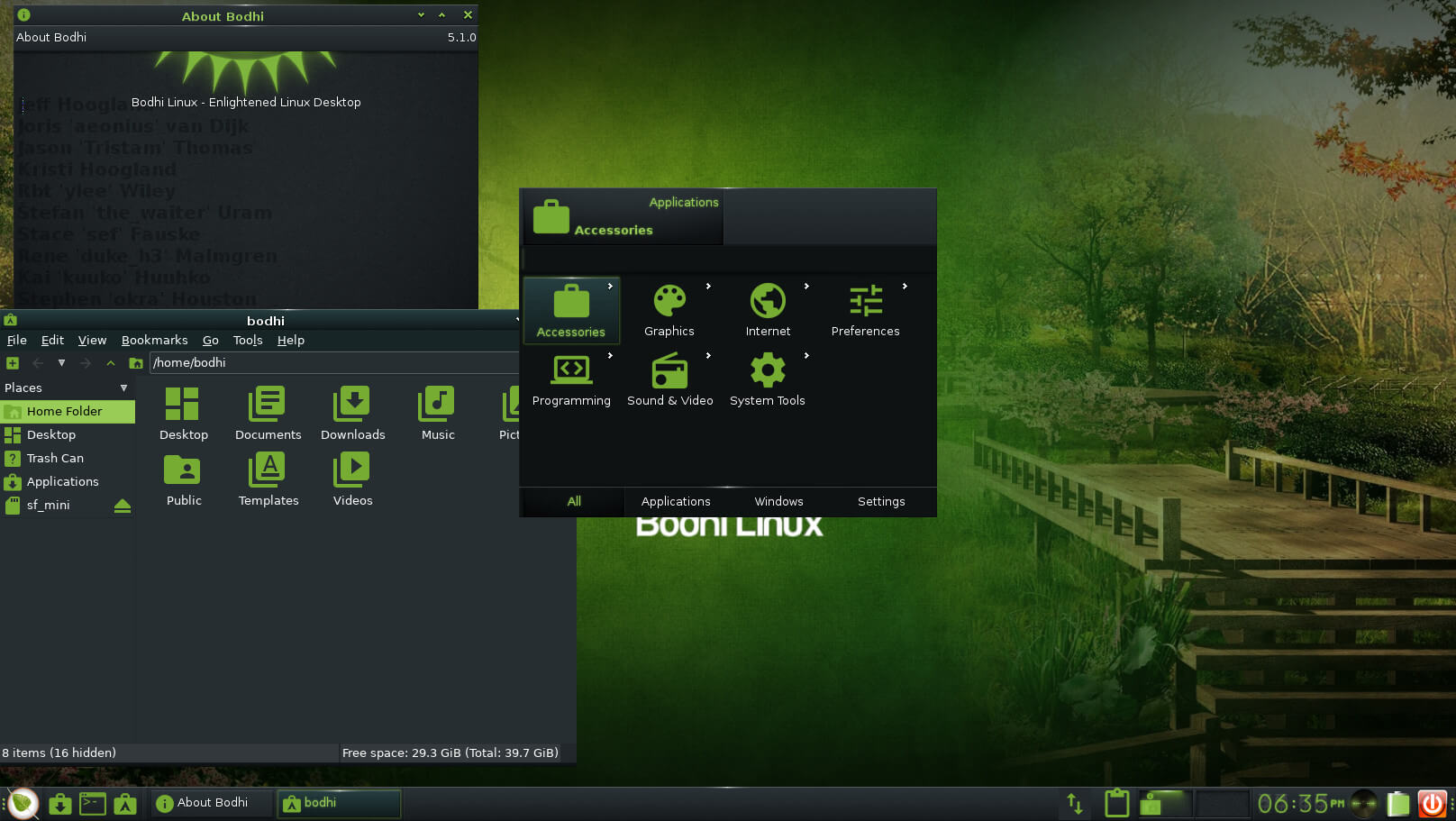
Bodhi is a new Linux distribution based on Ubuntu and Enlightenment as window manager.
Currently this stage of development, there is not a stable release until late March, but still has enchanted many people, not just for the lightweight (less than 90MB of RAM at boot) but have achieved good q incorporate the manager e17.
The Bodhi livecd is very basic: firefox 4.0, LXTerminal, nautilus elementary, networkmanager, alsa, synaptic, etc. Instead
gdm lxdm use .... q if want to get out from the lxdm should give you click on the bottom, right side ...
When you run the cd, at the beginning we can choose several profiles according to our team and the level of experience with e17, there are profiles for a laptop, netbook, one with Ecomorph (like compiz) in the next video we see some profiles
Bodhi
Ubuntu is based on 10.04, so during the installation package does not update via the Internet as it does Maverick. After installation the machine reboots, we logueamos, choose a profile and finally we select q to start applications on our desktop
can install from synaptic our favorite shows, people have created metapackage Bodhi for an easier installation, for example libreoffice, vlc, e17 themes, smplayer, wine. Have integrated the Medibuntu repositories, Getdeb, Ubuntu and theirs.
glitches! Jeje
good recall q is q is not yet a stable version, and may have serious problems, but it proved q, are many:
1) Sound
can q when you restart the machine the volume is muted or being too low, in the latest release (0.1.6) this error was solved by installing alsa-utils.
To solve the problem we run into the terminal the following command: alsamixer
We must verify q every element is with a gain of 0 db, to move between selected items and right arrow left, to vary the gain we use the up and down.
We make sure they are not silent (letter M or MM) for an item by pressing the habiltar m.
Once you do that we must save the settings with the following command: sudo
alsactl-f / var / lib / alsa / asound.state store
2) Preview videos in nautilus
q To install totem that is, the only little problem is q pulseaudio will pull as a unit, but not executed.
3) Change gtk theme and icons
To this we must first install some themes from synaptic like aurora, or downloaded from Gnome-look. The q descended
we unpacked and copied to / usr / share / themes: sudo cp-R
la_carpeta_tema / usr / share / themes /
sudo chmod-R 755 / usr / share / themes / la_carpeta_tema
same we do with the q icons go down:
la_carpeta_icono sudo cp-R / usr / share / icons
sudo chmod-R 755 / usr / share / icons / la_carpeta_icono
Once done, run as root LXAppearance
and select the topic and Controls Topic icons in icon, and we apply
Then do the same but as a normal user: LXAppearance
Finally we go to Appearance to select icons to e17:
and restart the computer :-)
4) They may have problems (sometimes) with the pointer to want to move a bar does not move he pleases: SOQ miss them networkmanager icon to set the transparent background option:
De now I have it installed on my laptop, and it has worked very well, the memory consumption is very low (to enter my session without running any application):
I have not had problems mounting ntfs partitions, ext4, or devices
usb
Despite the glitches mentioned, the distribution is well advanced, q is expected to leave the stable to the end of March. The following
'll post images my desktop ^ ^. SOURCE
My opinion: minimalist design, the heart of Ubuntu, with all that that entails (simple, multiple applications, support), e17, speed, and low consumption of RAM and other resources, and although, as the article says, is still under development, is well worth a try, if only, in "live cd"